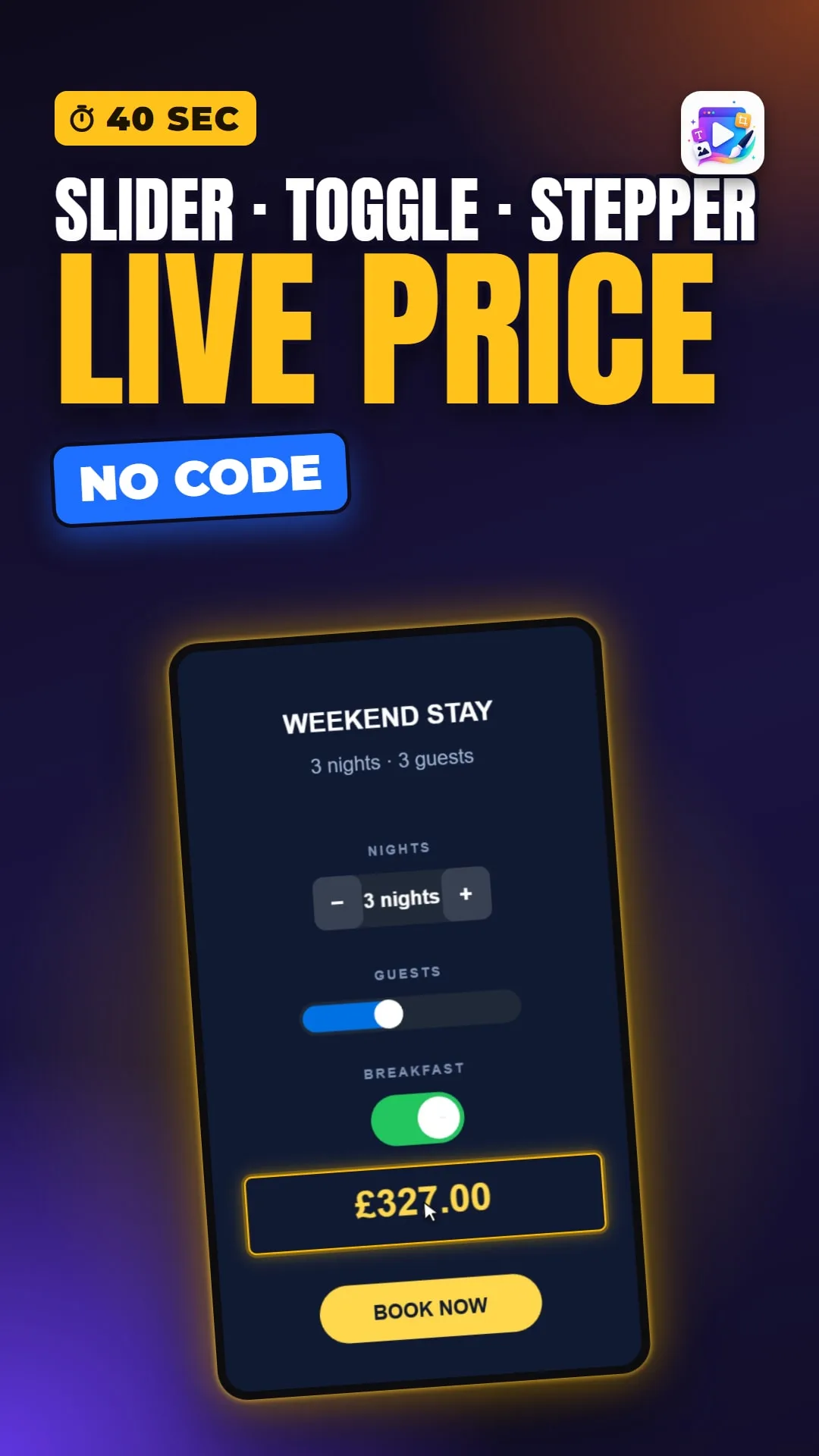
About this video
Watch the full input controls tutorial on our channel: adding all three controls, binding each to a variable, Min, Max and Step, every field on all three panels, reading the values back in your copy, and pricing them with a Compute on Value Changed.
Transcript
Captions in 18 languages on YouTube
Slide the usage, count the household, flick one switch — and the figure on the dial keeps up with every one of them.
And each one writes its answer straight into a variable. The control doesn't own the value — the variable is the value.
And a control has events of its own. Open the Events tab on any of them and there is Value Changed — it fires the moment the value really changes, and not on every pixel of a drag.
Build your first one free, at playableadsmaker.com.