In this video
- The build check: red is must-fix and disables Export, amber still builds
- Web Preview is free and never spends an export — and in a preview-only build the click-through is removed, not disabled
- Saving the project to the cloud, and what the share link actually belongs to
- Exporting 17 languages: one adaptive file, one file per language, or English only
- What ticking an ad network really does, and the URL vs SDK badge on every row
- Every network’s size cap — 5 MB for most, 4 for AppLovin, 3 for Chartboost, 2 for Meta
- How many networks one export may carry, and which part of that a plan decides
- Store links, the app lookup card, and the Web destination for placements you own
- Deep Link: carrying the player’s choices into the click-through URL
- The size estimate: Library, Definition and Assets, listed file by file
- Compressing images to WebP and audio to Opus, in the browser, before you export
- What lands in your downloads folder: one file per network, plus the web copy
About this video
The export window is where a playable ad stops being a project and becomes a deliverable, and almost every question people ask about playable ads is answered somewhere in it. This tutorial walks the whole window, control by control, in the order it presents them. It covers the free web preview — which never spends an export, and which ships with its click-through removed rather than merely disabled — the thirteen ad networks and what ticking one actually produces, the URL and SDK badges that decide whether your own destination can travel, each network’s size cap and how the estimate is measured against the strictest one you picked, store links and the app lookup, Deep Link, the size breakdown into engine, scene and assets, and the built-in compressor that re-encodes images to WebP and audio to Opus without leaving the browser. It ends with the download itself: one ready-to-upload file per network, plus a web copy you can send to a client.
Exports for Unity, AppLovin, Google, IronSource, Mintegral, Meta (Facebook), Moloco, TikTok, Liftoff, Vungle, Chartboost, InMobi and Pangle — a ready-to-upload file for each network.
Transcript
Captions in 18 languages on YouTube
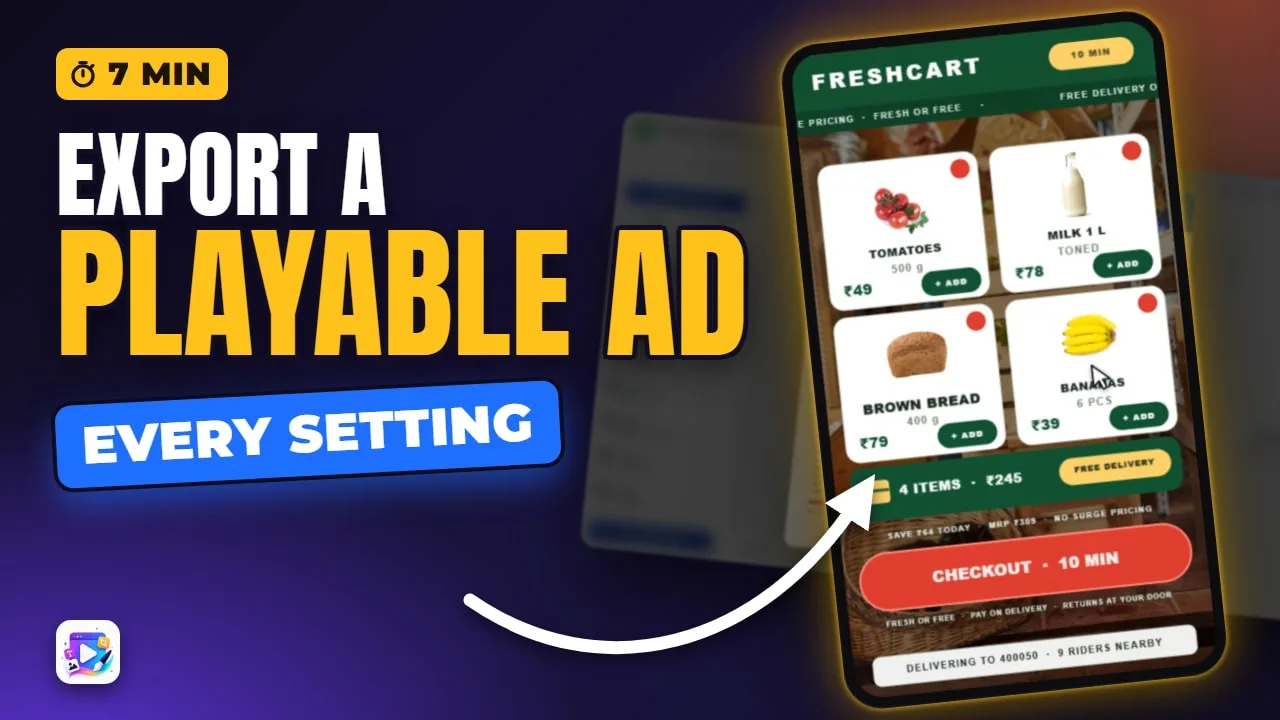
Tap what you want, and this grocery ad re-prices itself — basket, delivery, the lot. In a minute it stops being a thing on screen and becomes a file an ad network can run.
This is the Export window, end to end. Every control in it, what each one costs you, and exactly what lands in your downloads folder.
Export is in the top bar, and it is the last decision you make about the ad. Everything the file becomes is decided in this one window.
Read the full transcriptShow less
It opens by checking the build. Red is must-fix — this one wants a store link before it will export anything at all, and the Export button stays dead until it gets one. Amber is a warning: it still builds.
First control, and the one worth understanding before any other: Web Preview. It adds a copy of the ad that plays in any browser, and the badge on it is the point. It is free. It never spends an export.
There is a catch, and it is deliberate. In a preview-only build the click-through is not disabled, it is removed: no store link, no web address, nothing left in the file to switch back on. A free build with a working call-to-action would be a finished ad nobody paid for.
Signed in, a second line appears under it: save the project to the cloud and get a share link. The link belongs to the saved project, not to this build, and it takes one of your plan project slots — so it is a tick box rather than something that happens to you.
Next, languages, because this template carries seventeen. One file that picks the viewer language as it loads, one file per language, or English only — which leaves the translations out and is the smallest build of the three.
Then the ad networks, and ticking one is not a setting on the file. It builds that network its own package, with that network own calls inside it. Select all is there, and the counter beside the heading tells you how many you are about to build.
Two badges on every row. URL means that network opens the address your creative hands it. SDK means the network decides the destination itself, through an exit call that takes no URL at all — so a custom button link, or a Deep Link parameter, cannot travel there. That is their contract, not a limit of the export.
The little “i” is that network’s size cap. Most of them take 5 MB. AppLovin takes 4, Chartboost 3, and Meta 2 — and the window measures your build against the strictest one you have ticked, not against the average.
How many you may tick at once is the one thing a plan decides here. Every network is on every plan, free included; what a plan buys is how many of them one export may carry. A free account builds one network at a time, and each paid plan takes more. I am on localhost, where every gate is open, so nothing dims.
Store links. Paste your App Store and Play addresses, and the window goes and looks the app up — so a wrong id is a missing card here, rather than a dead button in front of a customer.
Or flip the destination to Web, and the whole block becomes one field: your landing page, or your tracking link. That path builds a single file and no network packages at all, because there is no network in the loop to build one for.
Under it, Deep Link carries what the player chose into that address. It has already found what this ad records — the items going into the basket — and it is warning me that nothing is mapped yet, so nothing would arrive. Map it, and the landing page opens on the basket they filled.
Now the number everyone opens this window for — and instead of one figure, it shows you where the weight actually is. Library is the engine that runs the ad, and it is the same engine in every export. Definition is your scene, which is tiny. And Assets are your own pictures and sound, listed one by one, so the expensive file has nowhere to hide.
And the warning under it re-points itself at whatever you ticked. On its own it reads “approaching the 5MB limit”. With AppLovin in the list, the very same build reads “approaching the AppLovin’s 4MB limit”.
Which is what Compress assets is for. It lists every picture and every sound in the ad, re-encodes the images to WebP and the audio to Opus, right here in your browser — and anything that would come out larger is left exactly as it is.
One pass, and it re-encodes every one of them in front of you. It totals what came off at the bottom, the estimate re-measures itself the moment you come back, and the warning above either eases off or goes away. Same ad, fewer bytes.
One last line at the bottom, and it is worth reading: audio never autoplays in an ad network. Every one of them requires the first sound to wait for the first touch, so the ad has to be built that way.
Then Export. On the real site you sign in first, and this is the moment the counting happens: a web preview on its own is free, but the instant a network is ticked the build is a deliverable and it costs one of your plan monthly exports — one network or three, preview or no preview.
And those limits are hard. Over your allowance, the server refuses the build before the file is handed over — so the number on the counter is the number you actually have.
And there it is. One file for every network you ticked, each one ready to upload exactly as it comes, and the web copy beside them — all of it in a single zip in your downloads folder.
And the web copy beside them is the one you send to a client — it opens in any browser, on any phone, with no network needed to run it.
Remix the Grocery template from this video and take it through the window yourself. It is linked below. See you in the next video!
Build your first one free, at playableadsmaker.com.