About this video
The FX tab in Playable Ads Maker: twenty-five effects that stack on any image, text or shape. The full tutorial covers switching them on, stacking, blend modes and colour adjust.
Playable Ads Maker - playable ads and end cards, no code.
Transcript
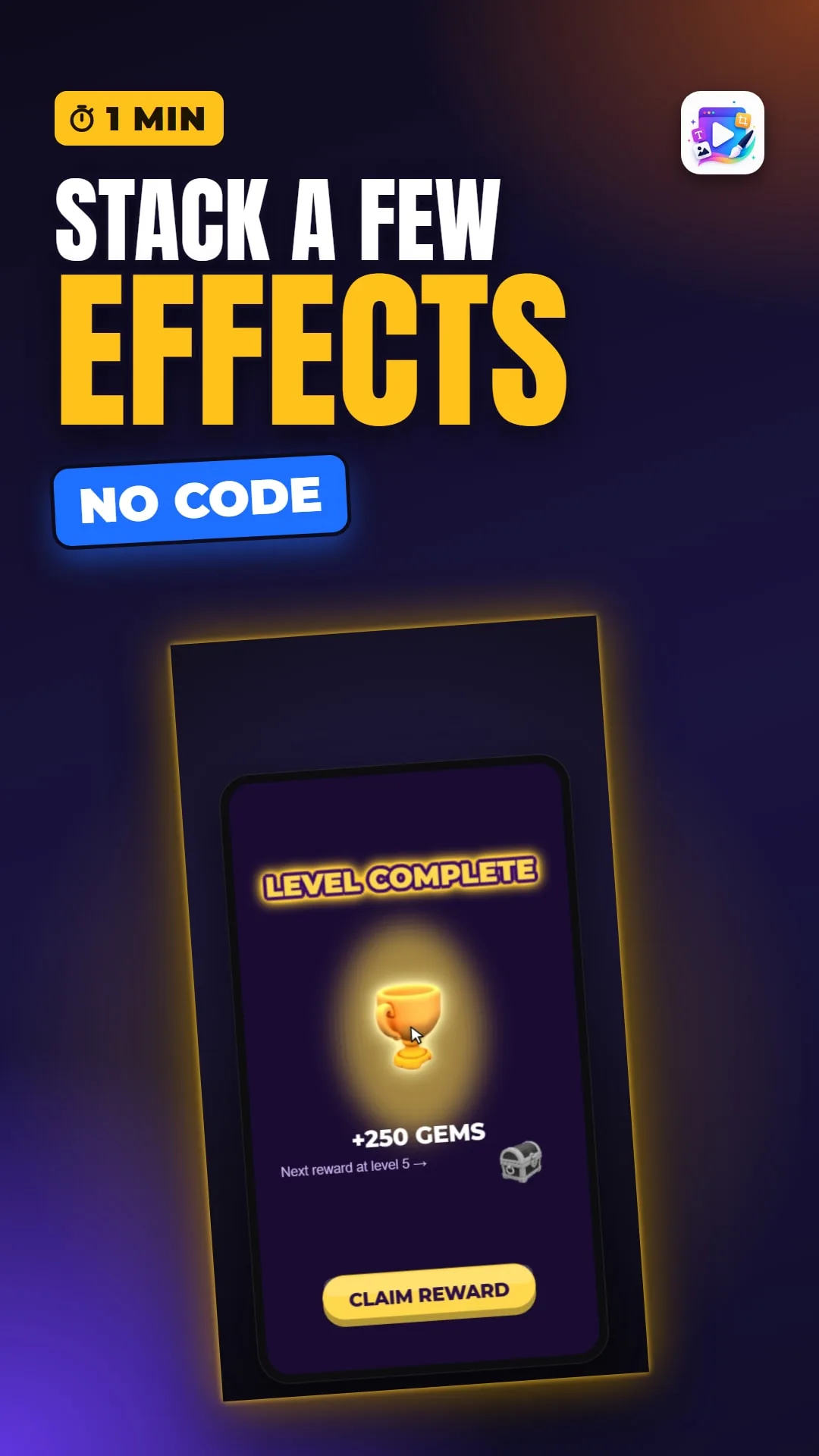
A glowing headline, a trophy in its own light, and the next reward locked in grey. No image editing - just effects, stacked.
Now tick Glow as well. The two stack: the outline, then a golden glow around both.
The light behind it is just an ellipse. Blur it, twenty-four pixels. Then, in the General tab, Blend Mode Add, and a little less opacity - and it becomes light.
For the locked reward: Color Adjust, and Grayscale, a touch darker. Grey reads as not yet, in every game.
That's the FX tab. See you in the next video!