About this video
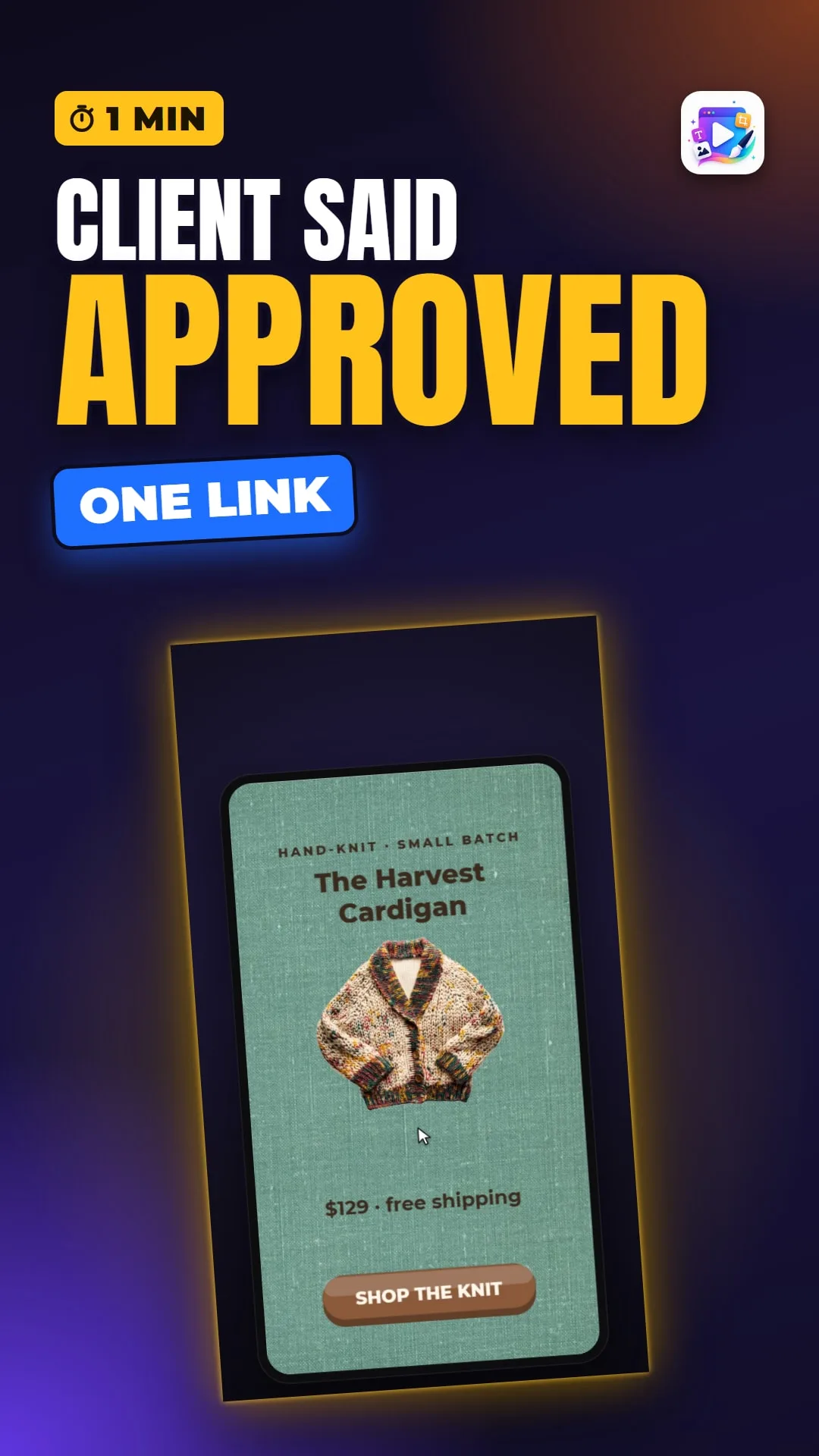
Team workspaces in Playable Ads Maker show who is editing right now and send clients a review link where they play the ad, comment and approve. The full tutorial walks through all of it.
Playable Ads Maker - playable ads and end cards, no code.
Transcript
Your teammate has edits, your client has notes, and files are flying back and forth by email. A workspace puts it all in one place: who's on the team, who's working right now, and what the client said.
Open the project while your teammate has it open, and their initial appears at the top, with co-editing beside it - so you both know before anyone saves over the other.
The client opens the link - no account needed. They play the real ad, leave comments, and approve it, or ask for changes.
And back on your account page, the project now says Approved.
That's workspaces and client review. See you in the next video!