About this video
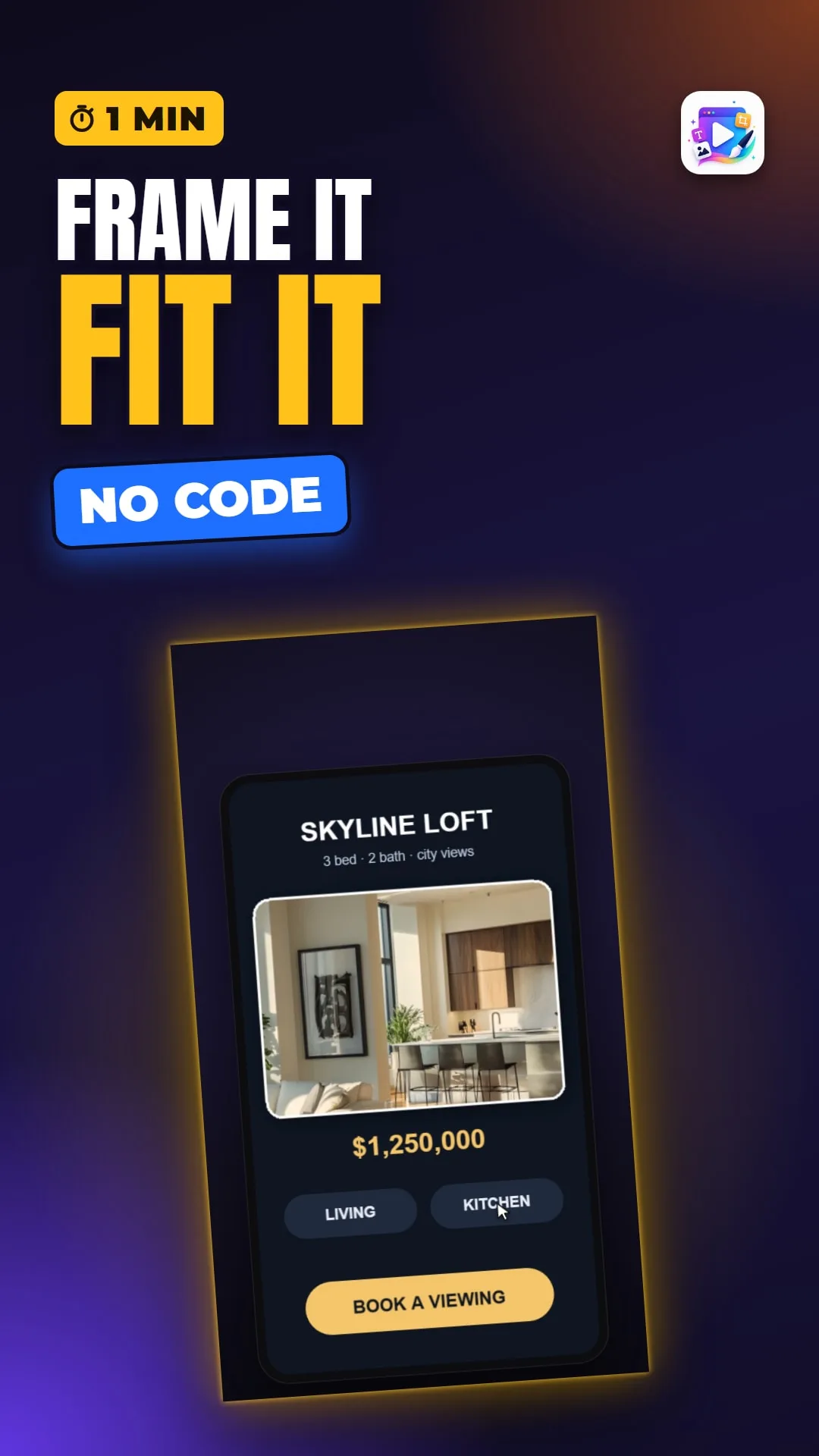
The Image object frames a picture in a playable ad. The full tutorial covers Object Fit, Picture Position, tint, border, rounded corners, blur and darken, blend modes and a drop shadow.
Playable Ads Maker - playable ads and end cards, no code.
Transcript
One photo, framed, warmed up and shadowed - and a tap swaps the room. No image editor.
Object Fit decides how the picture meets its box. Contain shows all of it, with empty bands. Cover fills the box and crops the rest. Fill stretches it - almost never what you want.
Change Image keeps your box. The new picture drops into the same frame, with the same fit.
That's the image object. See you in the next video!