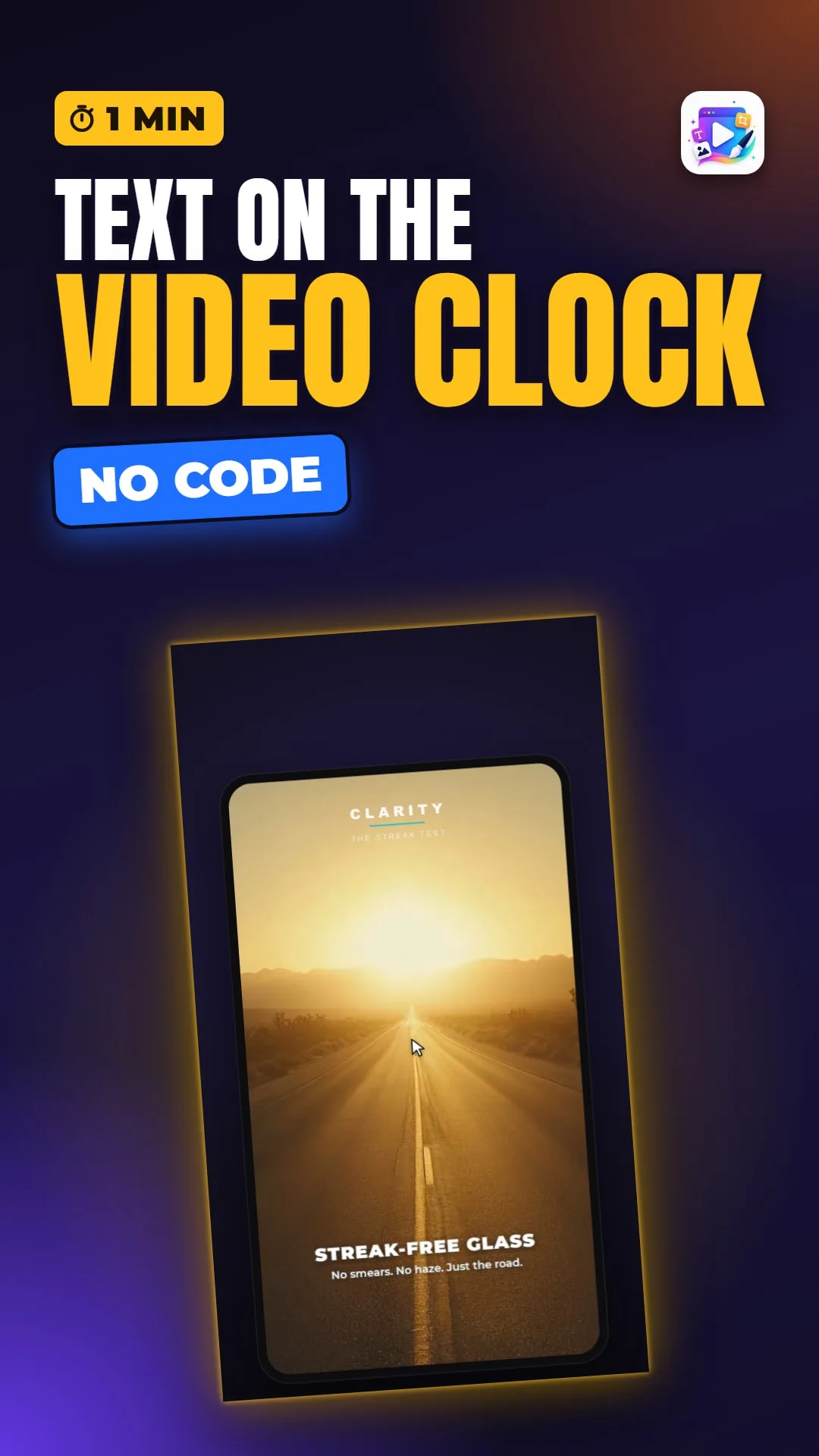
About this video
In the Video Playable Maker any text can appear for a slice of the video, and the end screen takes over when it ends. The full tutorial covers timing, checking it, and what goes on the end screen.
Playable Ads Maker - playable ads and end cards, no code.
Transcript
The claim fades in on the last beat - and the moment the video ends, the end screen takes over, with one button. Words on the video's clock, and a screen for after it.
Check it on the timebar. At zero: nothing. At two seconds: the caption. At four: gone.
Three things belong on it: what they get, one line of detail, and one button. That button is the click-through to the store.
That's timed text and the end screen. See you in the next video!