In this video
- Adding an animated sprite and uploading a sprite sheet
- Columns and rows: how the sheet is cut
- Speed in frames per second
- Start frame, end frame, reversed and ping-pong
- Loop, loop count and On complete
- Fit mode: Stretch, Contain, Cover
- Control Animated Sprite and Animation Complete
- Three mistakes to avoid
About this video
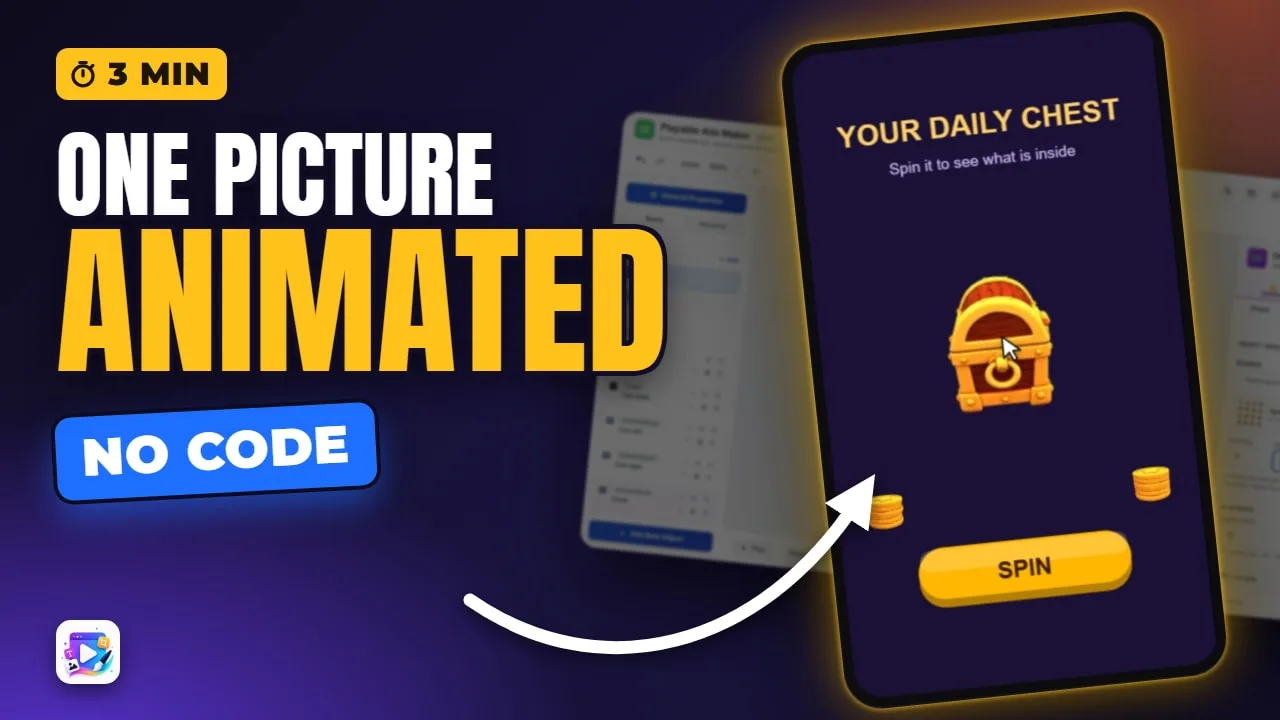
An animated sprite plays a sprite sheet - every frame of an animation in one grid picture - inside a playable ad. Columns and Rows say how the sheet is cut; speed, frame range, reverse, ping-pong, loops and fit mode shape how it plays. With events, a button can play, pause or restart it, and the Animation Complete trigger moves the ad on when it ends. This tutorial builds a daily-reward chest that turns once when the viewer taps Spin.
Playable Ads Maker - build playable ads and end cards, export to 13 ad networks.
Transcript
A chest that turns in 3D, coins that spin, and one tap that sets it going. Each of them is a single picture - a sprite sheet.
That's the animated sprite. In the next few minutes: the sheet and its grid, speed, the frame range, reverse and ping-pong, loops, fit, and driving it from events.
Add New Object, Animated Sprite. Choose Sprite Sheet, and upload one: every frame of the animation in a single grid picture.
Read the full transcriptShow less
Columns and Rows say how the picture is cut. This sheet is four by four - sixteen frames. Cut it two by two, and every frame is a quarter of the sheet. Back to four.
Speed is frames per second. Twenty-four spins it fast; five is a slow turn. I'll settle on fourteen.
Start frame and End frame play part of the sheet. Zero to seven is half a turn.
Ping-pong plays it forward, then back, so half a turn becomes a rock. Reversed turns it the other way.
Loop repeats it forever. Turn it off and it plays once. Loop count plays it a set number of times, and On complete decides what stays on screen - here, the last frame.
Fit mode matters when the box isn't the frame's shape. Stretch squashes it. Contain keeps its shape. Cover fills the box and crops.
For the ad, the chest waits: Auto play is off, and it turns once. The Spin button uses the Control Animated Sprite action - Play, Pause or Restart.
And the chest has its own event: Animation Complete. When the turn ends, it goes to the End Card.
Press Play, and try it the way a viewer would.
Spin. One turn, and the End Card opens - with its own spinning coins.
Three mistakes to avoid. One: a huge sheet. Every frame ships inside the ad - a couple of hundred pixels a frame is plenty.
Two: the wrong grid. If the animation jumps, or shows slices of its neighbours, check Columns and Rows.
Three: Stretch in a box that isn't the frame's shape. Use Contain.
That's the animated sprite. See you in the next video!