In this video
- Adding an audio object - library or upload
- Autoplay, loop and volume
- Hearing it in the editor
- A sound effect started by a button: Control Audio
- No sound before the first tap - and why
- The iPhone silent switch and screen lock
- Three mistakes to avoid
About this video
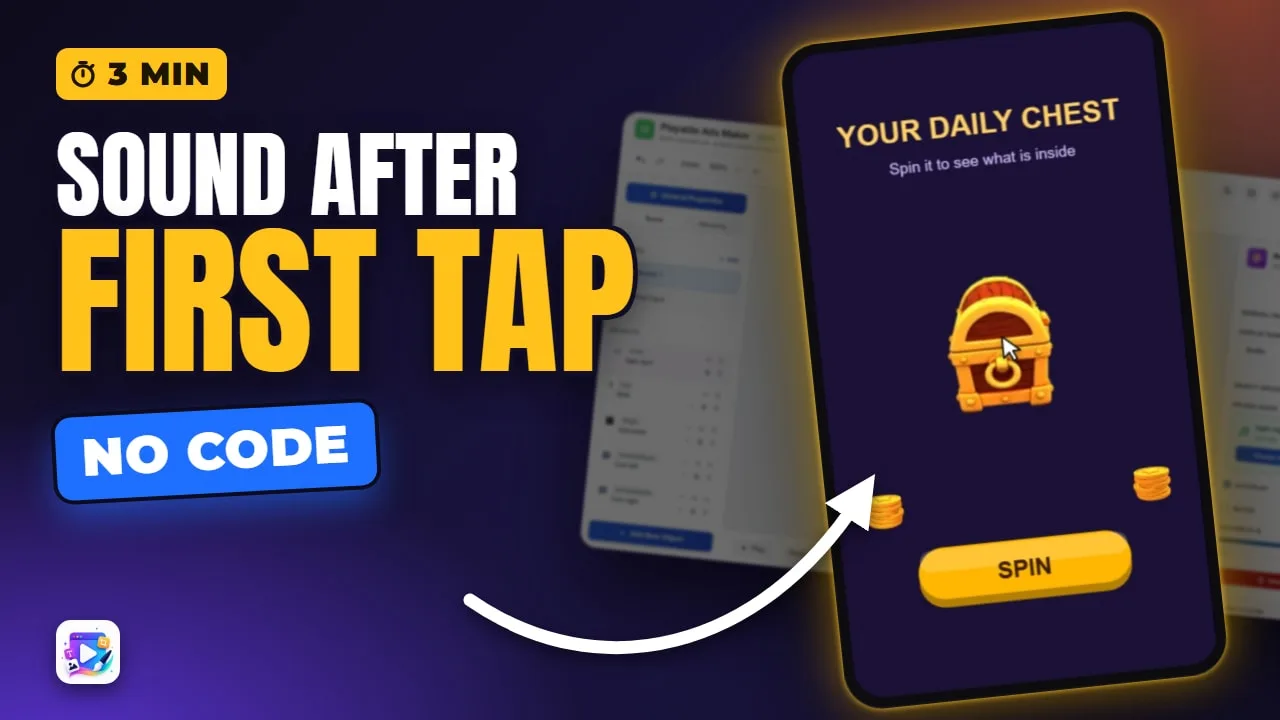
Audio in a playable ad is an invisible object: music that loops under the scene, or a sound effect a button starts with the Control Audio action. The export enforces the rules networks check - nothing plays before the viewer's first tap, an iPhone on silent stays silent, and sound stops when the screen locks. This tutorial adds a music bed and a coin sound to a daily-reward chest.
Playable Ads Maker - build playable ads and end cards, export to 13 ad networks.
Transcript
Music from the first tap, and a coin when the chest turns. Sound makes a playable feel like a game - and there are rules about when it may start.
That's audio. In the next few minutes: adding a sound, autoplay, loop and volume, starting one from a button, and the rules every network enforces.
Add New Object, Audio. It's invisible on the canvas - it lives in the list. Choose a sound from the library, or upload your own.
Read the full transcriptShow less
Autoplay starts it with the scene. Loop repeats it - right for music, wrong for a sound effect. Volume sets its level: half, so it sits under everything else.
The player here lets you hear it without pressing Play.
For the coin, a second audio object with Autoplay off, so it waits. The Spin button's event uses Control Audio: play that sound. Pause works the same way.
Press Play, and listen.
The music - then Spin, and the coin.
Now the rules, which the export handles for you. No sound before the viewer's first tap - networks reject ads that play one. An iPhone on silent stays silent. And the sound stops when the screen locks.
Three mistakes to avoid. One: a whole song. It ships inside the ad - a thirty-second loop is plenty.
Two: sound as the only feedback. Many people watch muted, so every sound needs something to see, too.
Three: music louder than the effects. Keep the music low, so a tap is heard.
That's audio. See you in the next video!