In this video
- Adding a Repeater, and why it draws nothing yet
- The data table: rows, columns, {column} tokens
- The card design: any group
- Layouts: Grid, Stack, Rail
- Card looks: None, Plate, Outline, Raised, Edge
- Arrival: Fade, Rise, Pop
- Choosable cards, the chosen mark and the Link Parameter
- Three mistakes to avoid
About this video
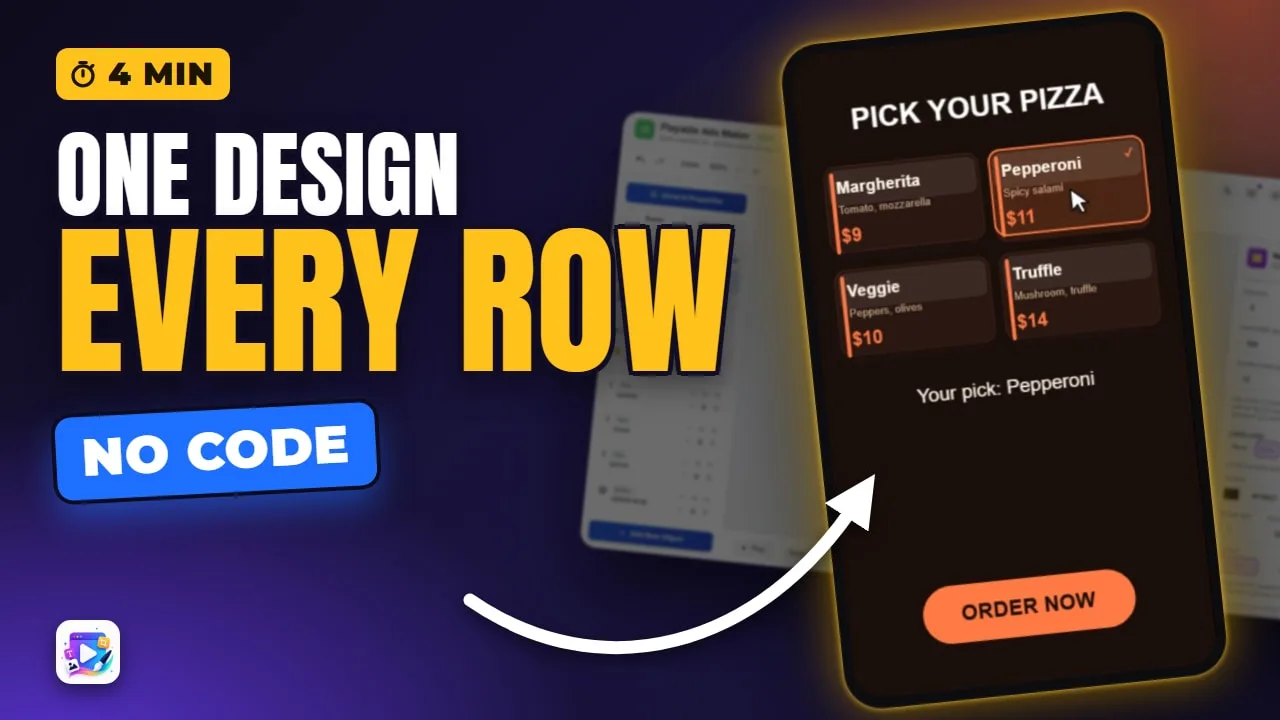
The Repeater turns one card design and a small table into a grid of cards - a menu, a plan list, a product range - with a card for every row. Put {column} into any text in the design and each card fills it from its row. This tutorial builds a pizza menu from scratch: the table, the card design, the layouts and looks, a pop-in arrival, and choosable cards that write the pick to a variable and carry it into the click-through.
Playable Ads Maker - build playable ads and end cards, export to 13 ad networks.
Transcript
Four pizzas, one card design, and a table. Tap one, and it's your pick.
That's the repeater. In the next few minutes: the table, the card design, layouts and card looks, the arrival, and making the cards choosable.
Add New Object, Repeater. And it draws nothing at all - it needs a table with rows, and a card to repeat.
Read the full transcriptShow less
Under Data, New makes a table: a column for name, a column for price, and one empty row. One row per card.
Margherita, nine dollars. Plus Column adds a column - I'll call it note.
I've filled in the other three rows.
The card design is any group. This one is three texts: name, note and price, each written in curly braces. Choose it, and the group stops drawing itself - there's a card for every row.
Grid wraps at a column count. Stack is one per row. Rail runs one row past the edge. Back to a grid of two.
The card look: none, plate, outline, raised, or edge - with a lit surface. Edge it is, in orange.
Arrival brings the cards in: fade, rise, or pop, one after another.
Turn on Cards are choosable. A tap writes the row's name to a text variable, pizza. Tick marks the chosen card - and Link Parameter carries the pick into your click-through.
Press Play.
They pop in. Truffle. Veggie. The text under the grid reads the same variable.
Three mistakes to avoid. One: expecting a placeholder. An empty table, or an empty group, draws nothing at all.
Two: editing one card. Every card is the same design - change the group for all of them, or the table for one.
Three: tapping in edit mode. There, a press moves the repeater. Test the choices in Play.
That's the repeater. See you in the next video!