In this video
- Choosing the canvas size
- The Portrait / Landscape switch
- Position: set per orientation
- Size: shared - except text
- Background pictures per orientation
- Checking both, and what the phone does
- Three mistakes to avoid
About this video
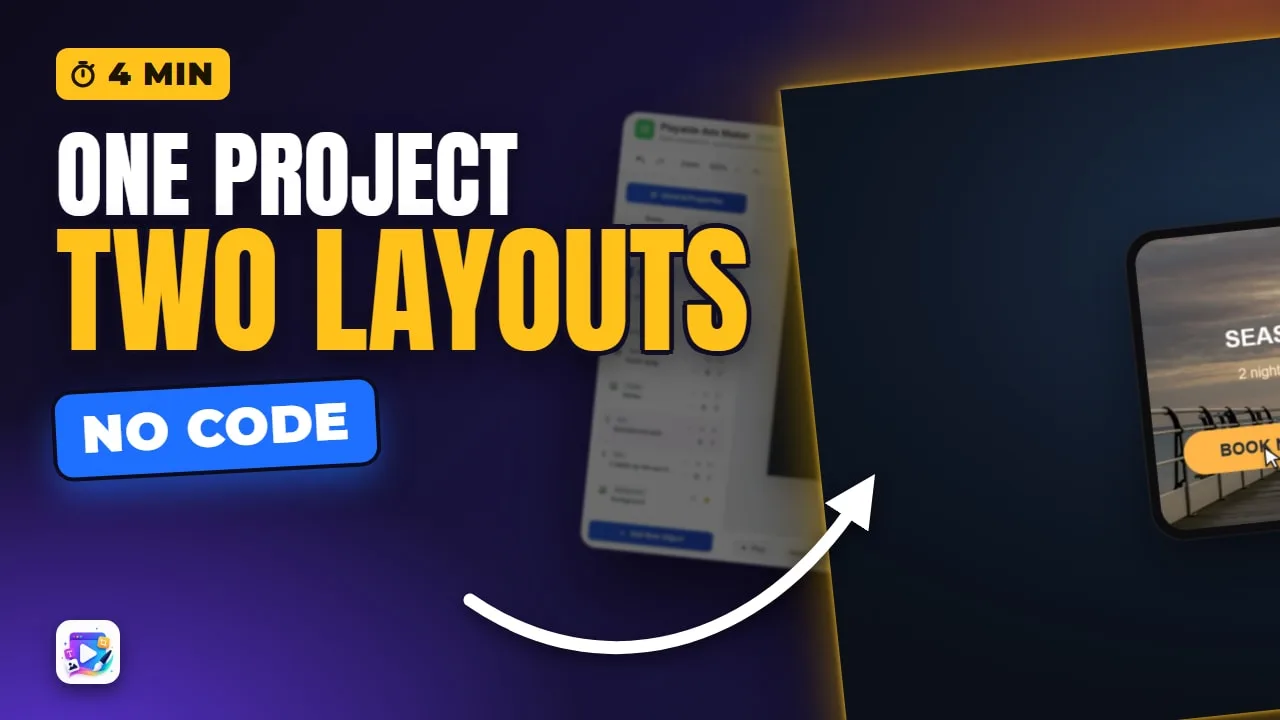
One project in Playable Ads Maker holds two layouts: portrait and landscape. The canvas size is picked once and landscape is the same size turned; positions, text sizes and background pictures belong to each orientation, while an object's size is shared. The exported ad follows the phone and switches layout when it turns. This tutorial lays out a travel ad for landscape and covers the three mistakes that make a landscape ad look broken.
Playable Ads Maker - build playable ads and end cards, export to 13 ad networks.
Transcript
Turn the phone, and the same ad lays itself out again. One project, two layouts.
That's portrait and landscape. In the next few minutes: choosing the canvas size, the switch, what each orientation keeps for itself, and what they share.
A new project starts here: three sizes, all tall. Landscape is the same size, turned - so there's nothing else to pick.
Read the full transcriptShow less
The size is set once, when the project is made - choose it before you build. Then start from scratch, or from a template.
Here's an ad built in portrait. The switch under the canvas flips the editor to landscape.
Nothing has a landscape position yet, so everything sits where it was in portrait - squeezed to one side.
Position belongs to each orientation. Drag the headline where it should be - the panel says Position, Landscape, and shows the portrait values under it.
A text's size belongs to each orientation too - on purpose. A smaller headline here leaves portrait's untouched.
Every other size is shared. Make the sticker bigger here, and portrait gets the bigger sticker too.
The background picture is per orientation too. Portrait has one - landscape needs its own, a wider shot of the same place.
I'll place the rest the same way.
Now flip back and forth to check both. Portrait kept its layout; landscape has its own.
In the exported ad, the phone decides: turn it, and the ad switches layout by itself.
Three mistakes to avoid. One: building only in portrait. Landscape then shows everything squeezed where portrait put it - lay out both.
Two: a portrait-only background. Landscape doesn't borrow it - it shows the plain colour. Give it its own picture.
Three: expecting text to follow. Resize a headline in portrait and landscape keeps its own size - set both.
That's portrait and landscape. See you in the next video!