In this video
- Two shapes Meta accepts: one .html with every asset data-URI embedded, or a .ZIP with index.html at the root
- The archive must not exceed 5 MB, and must hold no more than 100 files
- The number people miss: Meta’s uploader rejects a single .html — or an index.html — over 2 MB
- Meta is not an MRAID network: the playable must work without mraid.js or similar frameworks
- The exit is FbPlayableAd.onCTAClick() — miss it and the upload fails with “Missing CTA Click Function Call”
- No external network calls (Meta names XMLHttpRequest), no dynamic asset loading, no JavaScript redirects
- Built in portrait and responsive across screen resolutions — plus a lead-in video with “Tap to Try”
- Upload in Ads Manager: an App promotion campaign → Single image or video → Destination → Playable source
About this video
A playable ad on Meta is an interactive demo that runs inside Facebook and Instagram, and Meta accepts it in one of two shapes: a single HTML file with every asset embedded as a data URI, or a ZIP with index.html at its root, under 5 MB in total and holding fewer than 100 files. Meta does not use MRAID for it — the specification says the playable must work without mraid.js — and the click-through is Meta’s own FbPlayableAd.onCTAClick(), which takes no URL because Meta decides the destination from the campaign. Every rule in this video is quoted from Meta’s own specification page and developer documentation, linked above, and each one is shown on screen with its source. In Playable Ads Maker the whole thing is a tick box: the Facebook export builds index.html and main.js into a ZIP with the exit already wired, and the free Spec Checker grades the result in your browser before you hand it to Meta.
Exports for Unity, AppLovin, Google, IronSource, Mintegral, Meta (Facebook), Moloco, TikTok, Liftoff, Vungle, Chartboost, InMobi and Pangle — a ready-to-upload file for each network.
Meta — Specifications for playable ads assets →Meta for Developers — Playable Ads for Mobile Apps →Meta — Upload a playable source file →Free Playable Ad Spec Checker →
Transcript
Captions in 18 languages on YouTube
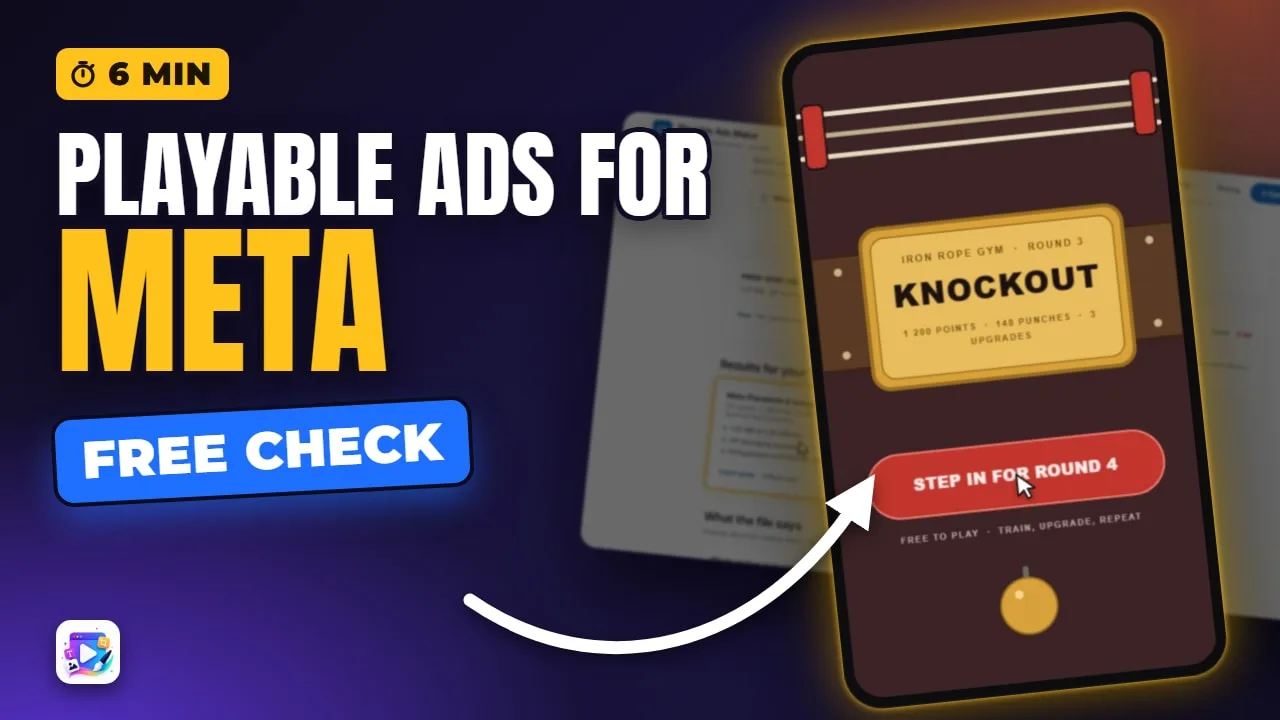
This gym playable is the exact file Meta gets. Hit the speed bag.
Coming up: what Meta requires of a playable ad, how to build one, how to check it, and how to upload it in Ads Manager.
Round over, and the End Card takes over. Its button is the click-through, and on Meta it goes through Meta’s own call, not MRAID.
Read the full transcriptShow less
Every rule here comes from two Meta pages: the playable ad specifications, and Meta’s developer doc. Both are linked below.
First, the package. Meta takes one of two things: a single HTML file with everything embedded as data URIs, or a ZIP with index.html at its root.
A ZIP has to come in under 5 MB for the whole archive, holding no more than 100 files.
And here is the number people miss. Meta’s uploader rejects a single HTML file, or an index.html, over 2 MB. That 2 MB is in the developer doc; the specifications page lists 5 MB for the single-file route. So check both, and keep the HTML itself small.
Meta is not an MRAID network. The spec says a playable must work without mraid.js, or anything like it.
The exit is one call: FbPlayableAd.onCTAClick(). Get it wrong and the upload comes back: “Missing CTA Click Function Call”.
Nothing may reach outside the file. No external network calls — Meta names XMLHttpRequest — no loading assets from a network, and no JavaScript redirects.
It must be built in portrait, and stay responsive across different screen resolutions.
One part is not the playable at all. Meta also wants a lead-in video, the clip with Tap to Try on it. It is not shown on Audience Network placements.
Let’s build one. I’ll use the Tap Clicker template: one tap is a punch, and the round ends on an End Card. Press Remix this template.
Pick a canvas size and it opens in the editor, with a portrait and a landscape layout already built.
Press Export, and tick Facebook. That is Meta’s row.
The SDK badge means Meta decides the destination itself. Its call takes no URL, so custom button links and Deep Link parameters cannot travel here.
The estimate is 1.25 MB. We hold Facebook to 2 MB, stricter than the 5 MB norm, and Export simply will not let you past it.
Paste your App Store and Google Play links. They fill the click tag inside the file, and the web copy uses them.
Keep Web Preview on. It adds a copy that plays in any browser, and it never uses an export.
Then Export. On the real site you sign in first, and a network export counts as one of your plan’s monthly exports.
Here is what people get wrong. The download holds two things: the web copy, and the Facebook .zip. The inner one is what Meta gets — index.html and main.js at its root. Two files of Meta’s 100, and 1.24 MB of its 5 MB.
Before uploading, check it. Our free Spec Checker reads the file right in your browser, and nothing is uploaded.
This file picks Meta and Moloco on its own, because they share that same call — but Moloco wants a single file, so it fails on packaging. Clear it, and choose Meta.
A pass: 1.24 of 2.00 MB, ZIP packaging accepted, and FbPlayableAd.onCTAClick() wired.
It reads both files and finds no external asset requests and no runtime network calls. And it notes the creative never loads mraid.js — which is exactly what Meta asks for.
A pass means nothing disqualifying is visible in the file. It is not Meta’s approval.
And here is the bundle itself, unzipped and played on a phone: index.html, with main.js beside it.
Same two files, turned sideways.
To upload, open Ads Manager and create a campaign with the App promotion objective. Playable ads are not available for any other one.
At the ad, choose Single image or video, then in the Destination section pick Playable source and upload your ZIP. Meta previews it right there — and a ZIP needs an app your account can advertise.
From there it can run on Feed, Stories and Reels across Facebook and Instagram, and on Meta Audience Network.
To try it yourself, remix the Tap Clicker template from this video. It is linked below, next to Meta’s own spec pages. See you in the next video!
Build your first one free, at playableadsmaker.com.