In this video
- Why interactive ads work for apps and brands
- The viewer tries the product - and the choice rides the link
- Where the click goes: store or your site
- Picking the format your product already has
- Remix a template and rebrand it
- Three mistakes to avoid
About this video
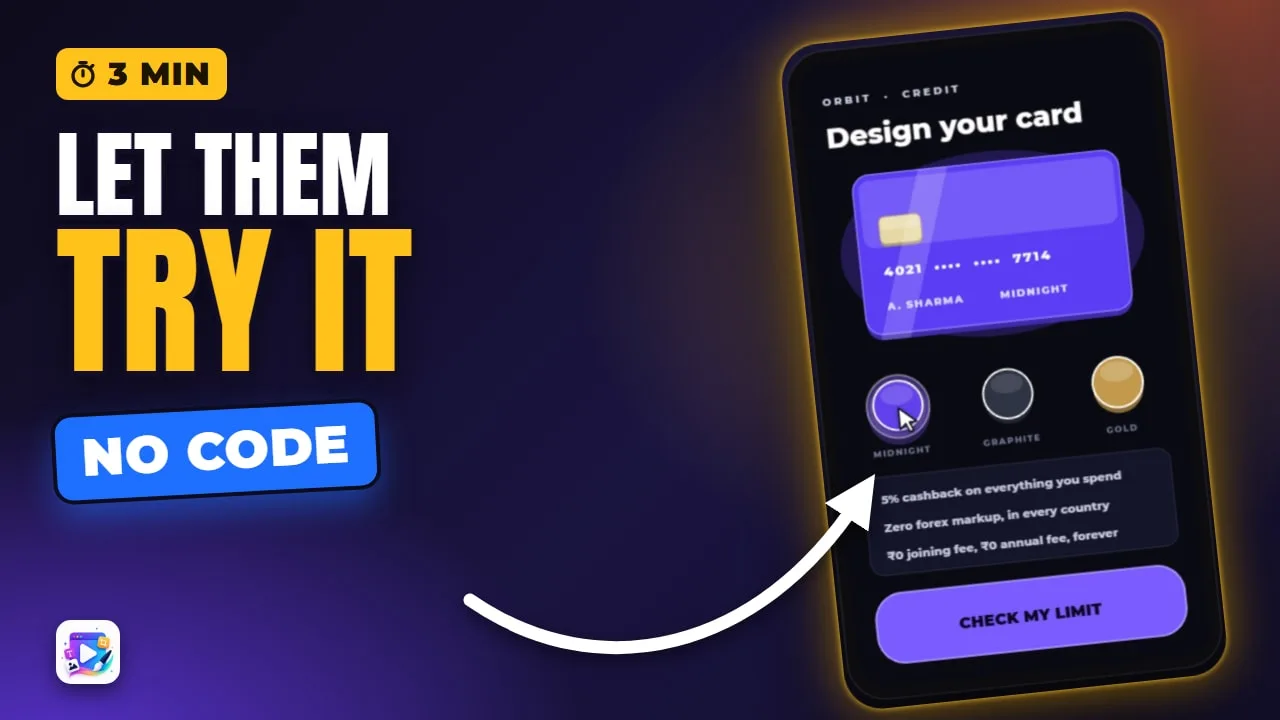
A game ad sells a game; an app or a brand needs the viewer to try the product. Interactive ads let them pick a card, set a ride, book a chair or fill a basket, then send the click to the store or to your own site with the choice carried along. This video shows six non-game templates live, plays the fintech one, and remixes and rebrands it in the editor.
Playable Ads Maker - build playable ads and end cards, export to 13 ad networks.
Transcript
A card for a bank, a ride for a taxi app, a chair at a salon, a basket at a grocer. Interactive ads that aren't games - and they sell apps and brands.
Why they work, which one fits your product, and how to ship one today, from a template.
A game ad sells a game. An app or a brand needs something else: the viewer trying the product. Here, they pick the card they'd carry - and the choice rides along in the link.
Read the full transcriptShow less
Then one button to the result - approved - and the End Card is the click to the store.
Decide first where that click goes. An app sends it to the App Store and Google Play. A brand sends it to its own site, with the choice in the address.
Then pick the format your product already has. A ride? Let them set it. A booking? Let them choose a time. A basket? Let them fill it. A plan? Let them slide it.
To build one today, open the closest template and press Remix this template. Pick the size, and it's yours.
Change the name first - it's text, like any other. Then your colours, your pictures, your copy. The events, the scenes and the End Card are already wired.
Press Play, and check it still does its one job.
Then export it for your networks - the Export video goes through every setting.
Three mistakes to avoid. One: hiding the product behind a game it doesn't need. Let them touch the real thing.
Two: more than one decision on a screen. One choice, then the result.
Three: a generic End Card. It's the click - make it say what they just chose.
That's interactive ads for apps and brands. See you in the next video!