In this video
- The template page: the live build, and what its facts grid already tells you
- Remix, and why the canvas-size step is not skipped
- What a remix gives you: scenes, layers and the game object
- Tile Images — putting your own product on the board
- Cell Background, Tile Gap and Tile Size: how the board reads on a phone
- Game Settings: rows, columns, end condition, move limit, score and combos
- The wiring that binds the game to your text objects — and the locks it explains
- What every plan includes, and the one thing that is not
- Copy, colour and type; portrait and landscape; Play; export
About this video
A prebuilt playable is a finished ad you re-skin rather than a layout you fill in. This tutorial opens one in the editor and changes everything a creator actually changes: the pieces the player swaps, the board behind them, the difficulty, the copy, the colours and the type — then plays it, checks both orientations and exports it. It also answers the question the editor cannot answer on its own: which parts of a prebuilt are locked, and why. Every template is free to edit and export, on every plan.
Playable Ads Maker — build playable ads and end cards, export to 13 ad networks as one self-contained HTML5 file.
Transcript
Captions in 18 languages on YouTube
In this video you'll take a ready-made playable ad and make it yours - your art, your product, your rules and your store link - and export it, without writing a line of code.
This is a template page, and the phone on the left is not a picture. It is the real ad, built the same way the file you upload is built.
Everything you need to judge it is here: it is a mini-game playable, it exports as a single HTML5 file, it goes to thirteen ad networks, and the plan line says free to edit and export.
Read the full transcriptShow less
There are over a hundred of these across games, apps, retail and video, and new ones land every week.
One thing to trust: the phone is the live build, made fresh when the page loaded. The still image beside a template in the gallery is a photograph taken once, so if the two ever disagree, the live one is the truth.
Remix this template opens the editor with this ad already loaded. It does not copy a picture of it; it copies the project.
First it asks for a canvas size, and that step is deliberate. The template is rebuilt at the size you choose, not squashed into it, so every distance inside it scales with the box.
375 x 667 is the default and the safest bet. 1080 x 1920 gives you a full HD canvas if your art is that big.
And look at the address: it has already dropped the template name. You are in your own project from this moment, and it saves itself as you work.
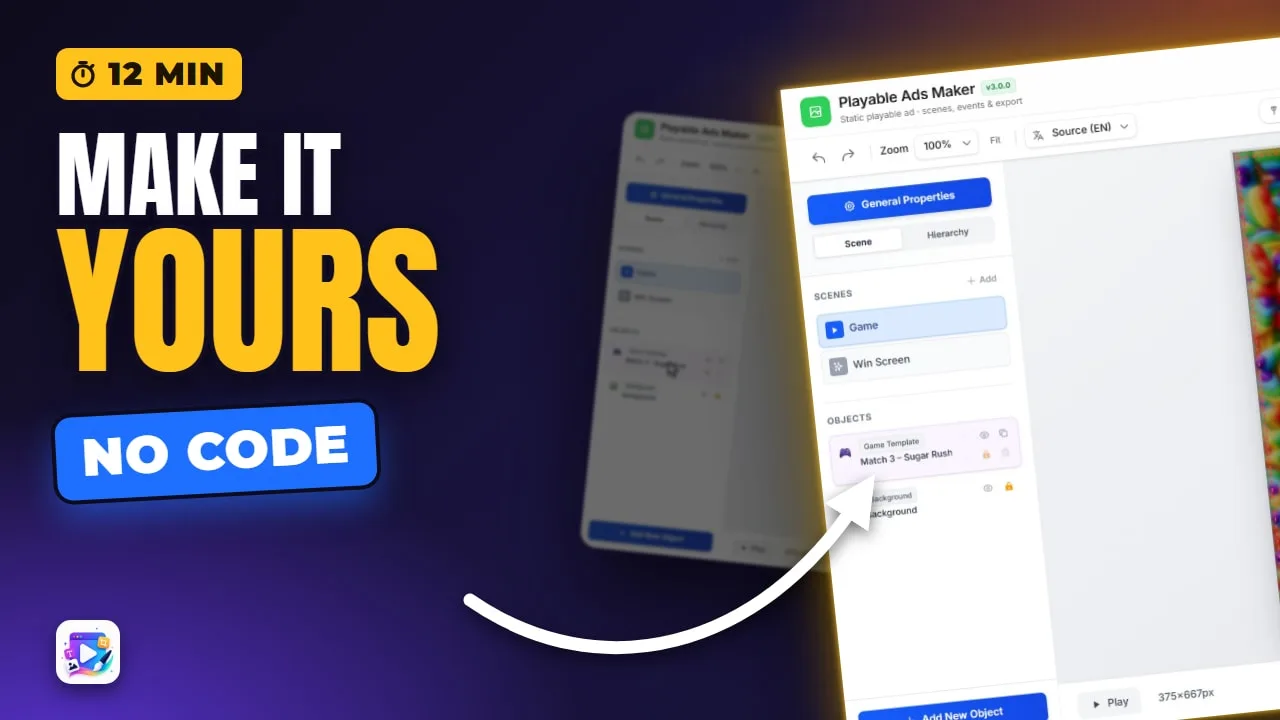
Here is what a remix gives you. Scenes down the left - the game, then the win screen and the lose screen - and under them every object in the scene you are looking at.
The first object is the game itself. That one layer is the whole mini-game: its board, its rules and its scoring.
Select it and the panel on the right fills with its own tabs - General, Game Settings, Appearance, Pointer. This is where a template stops being someone else's ad.
Appearance, then Tiles. These six images are the pieces the player swaps, and every one of them can be your product.
Put your six best sellers on that board and the viewer spends thirty seconds handling your catalogue. That is the whole idea of a playable ad.
Change one and the board changes under it immediately. Use a cut-out with a transparent background, square, and keep the six clearly different from each other - a matching game is only fun if telling two pieces apart is instant.
Cell Background is the board behind them. Keep it darker and quieter than your tiles, or the pieces stop reading at a glance on a phone.
Tile Gap and Tile Size decide how the board feels. A wider gap with slightly smaller tiles reads as premium; packed tight reads as arcade.
Game Settings is the rules. Rows and Columns set the board - six by six is the sweet spot on a phone; go much bigger and the pieces get too small to tap.
End Condition decides how the game can end: a move limit, a wrong-swipe limit, lives, or both together.
Move Limit is your difficulty dial, and it is the number most worth testing. Too few and people fail and leave; too many and there is no tension.
For an ad, err on the generous side. You are not selling a challenge, you are selling the feeling of being good at it - and the win screen is where your install button lives.
Score Per Match and Combo Multiplier set how fast the number climbs. A bigger multiplier makes a lucky cascade feel spectacular.
And look how little is in this scene: the game, and a background. That is all. This game draws its own score and moves on the board, so there is nothing else here to keep in step with it.
Which is why two rows here will not move, and the editor says so plainly: this layer is locked by the template, and the game itself cannot be deleted.
That is not a sales tactic. The game lays itself out against that background and owns this scene, so the two things it is built on are the two things you cannot delete by accident.
You will also see that adding another scene asks you to remove the game first. A mini-game owns its scene, and the win screen after it is where your own ideas go.
There is one more lock you will only meet on a real account. Changing a prebuilt's structure - its events, its scenes, adding or deleting objects - is kept to the Agency plan, because that is building from scratch rather than re-skinning.
Everything else is on every plan, free included. All thirteen networks, every creative feature and the whole library - your plan sets how many exports a month and how many networks go into one file, never which template you may open.
Your words live on the win and lose screens, as ordinary text objects. Select one and type - say what the player gets, not what the mechanic is called.
Text size is set separately in portrait and in landscape, on purpose, so a headline that fits upright does not have to shrink sideways.
Colour and type are next. Your brand colour and your font, and it stops looking like a template.
Art, audio, animation and position are yours on every plan. Copy, colours and type need you signed in, and signing in is free.
Press Play and the game runs in the editor exactly as it will on a phone. Play it through to the win screen; that is the screen that earns the install.
Check both orientations before you ship. Every template is built for both, and this is where you catch a headline that wraps badly sideways.
The editor keeps its own list of things worth checking - a missing store link, art heavier than a network allows. Clear that before you export.
Then Export. Paste your App Store and Play links, tick the networks you are shipping to, and you get one self-contained file for each. There is a full video on that window on the channel.
One mistake to avoid: choose your canvas size at the beginning, not after an hour of editing, because that first choice is what every measurement in the template is built from.
Remix one, change the tiles, the background and the copy, and export it. That is a shippable ad in an afternoon - and your second one takes twenty minutes.
That is remixing a template the right way. See you in the next video!