In this video
- What a game template is, and the genres on offer
- Remix a prebuilt game on any plan; place one in your own project on Agency
- Placing a game, and the one-game-per-scene rule
- The moments a game reports: Valid Moves, Halfway Done, Last Piece, Time Limit Warning
- Reacting to a milestone with an ordinary action
- The ending you never wire: a finished game opens the End Card by itself
- Three mistakes to avoid
About this video
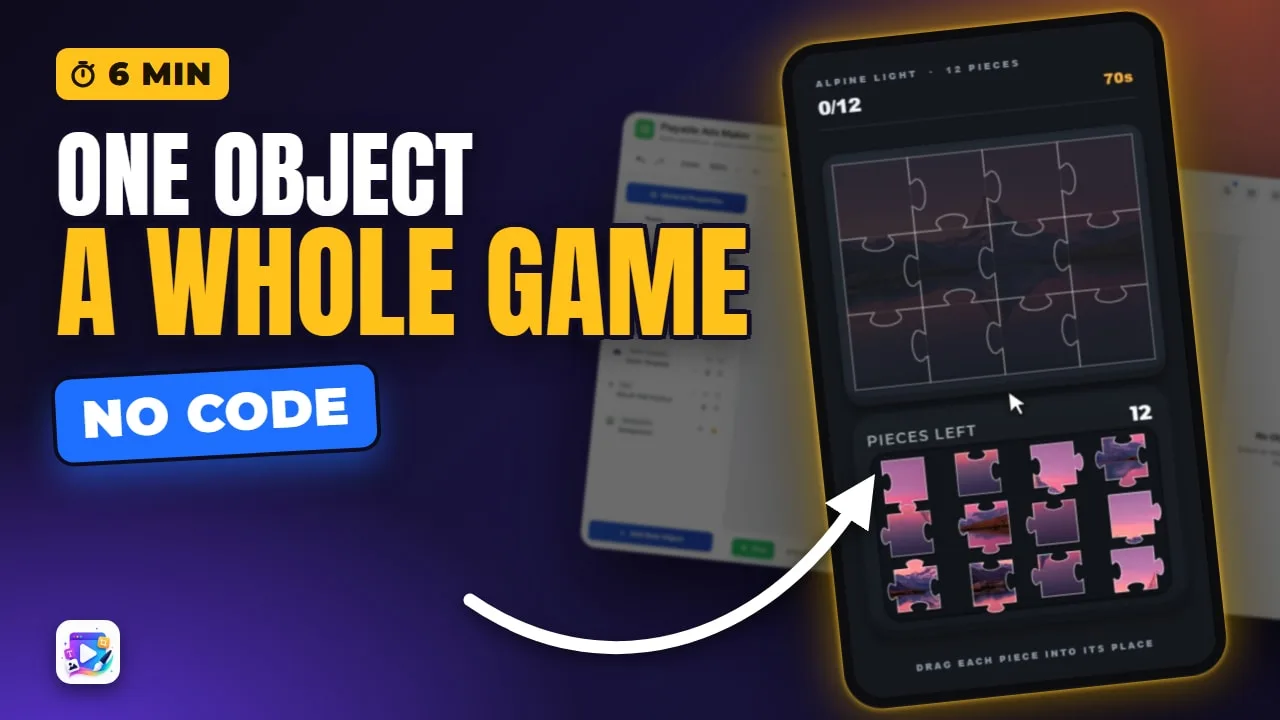
A game template is a complete mini-game - a jigsaw, a bubble shooter, a flood puzzle, a memory game and more than forty genres besides - packaged as a single object you drop onto a scene. This tutorial places a jigsaw in a project built from scratch, cuts it to four pieces, reacts to its Halfway Done milestone with an ordinary Set Text action, adds an End Card, and solves it on camera: when the last piece goes in, the game takes the viewer to the End Card on its own, with no rule wired for it. Remixing a prebuilt game is on every plan; placing a game in your own project is on the Agency plan.
Playable Ads Maker - build playable ads and end cards, export to 13 ad networks.
Transcript
A jigsaw. A bubble shooter. A flood puzzle. A memory game. Each one of these is a single object, dropped onto a canvas.
In this video you'll place a game in your own project, react to the moments it reports, and watch it hand the viewer to your End Card when it's over.
A game template is a whole mini-game packaged as one object. There are more than forty genres, and each one plays the same way in the editor as in the exported ad.
Read the full transcriptShow less
Remix a prebuilt game: every plan. Place one in your own project: Agency.
Add New Object, scroll down to Game Templates, and every genre is a card. I'll pick Jigsaw.
It lands in the middle of the canvas, already playable. One game per scene - once a scene has one, the other cards grey out.
Its settings work exactly the way the Remix video shows. I'll make this one two by two - four pieces - so we can finish it on camera.
Now the part that's new. Open the game's Events tab. These are the moments this game can tell you about: Valid Moves, Halfway Done, Last Piece and Time Limit Warning.
Every genre brings its own. A match-three can tell you about combos. A memory game, about its last pair.
Pick Halfway Done, and give it an action: Set Text, on the headline, nearly there.
No ending to wire: when the game is over, it opens the End Card.
Which means the project needs an End Card. Add New Object, Add End Card, and pick a design.
Back to the game. Press Play, and solve it.
Two pieces in, Halfway Done fires, and the headline changes. The last piece goes in, the game is over - and we're on the End Card, without a single rule for it.
Three mistakes to avoid. One: no End Card at all. The game has nowhere to send people, so it just sits on its last move.
Two: a second game in the same scene. You can't - give it a scene of its own, and go to it.
Three: looking for games on the End Card. They aren't offered there. A game belongs on a normal scene, and the End Card is where it sends people.
That's game templates. Pick a genre, react to its moments, and let it finish on your End Card. See you in the next video!