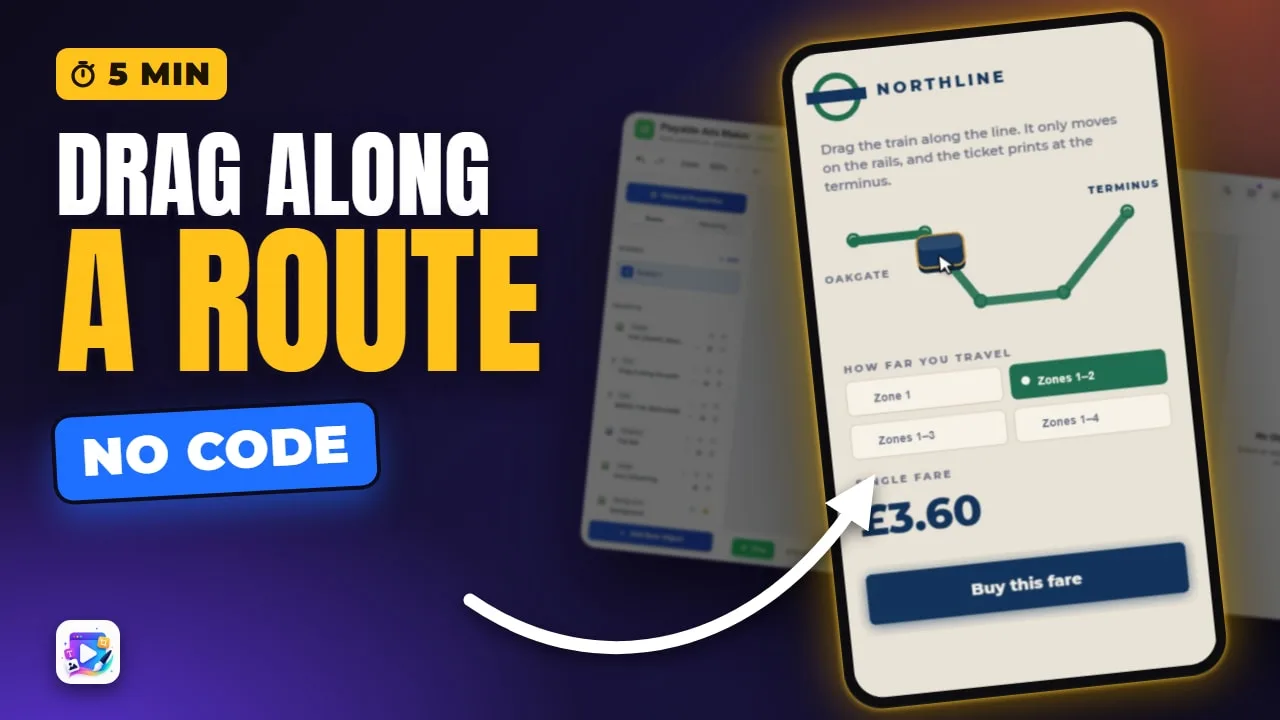
In this video
- What Follow the Path is - and why it is also how you make a swipe
- Route presets: four lines, an arc and a circle, sized to the object
- Fires at: why the default is 90%, not 100%
- Stay within: how far off the route a finger can wander and still count
- Follow or trace, showing the path, and a hand that demonstrates it
- Progress writes: fill a progress bar as the viewer drags
- Landscape needs its own route - drawing one point by point
- Three mistakes to avoid
About this video
Follow the Path is a drag with a route: the viewer has to move their finger along a line you draw, and when they get far enough your actions run. It is also how a swipe is made - a straight path with two points. This tutorial builds one from scratch in the Playable Ads Maker, so every event shown is editable on every plan, and changes every setting on camera: the route presets, where the rule fires, how far the finger may stray, whether the object rides the route or the finger only traces it, the guiding hand, a progress bar driven by the drag, and a second route drawn for landscape.
Playable Ads Maker - build playable ads and end cards, export to 13 ad networks.
Transcript
Drag the train, and it only moves along the line. Get it to the end of the line, and the ticket prints.
That's Follow the Path - built from scratch, every option, and a landscape route. No code.
Follow the Path is a drag with a route. The viewer's finger has to travel along a line you draw, and when it gets far enough, your actions run.
Read the full transcriptShow less
It's also how you make a swipe. There's no separate swipe trigger - a straight path with two points is a swipe.
I started this project from scratch, so its events are editable on any plan. There's a gem, a chest to bring it to, a headline, and an empty progress bar we'll wire up later.
Select the gem, open Events, and pick Follow the Path.
It says no route yet, so nothing can fire. The quickest start is a preset: a line in any of four directions, an arc, or a circle, each one sized to the object.
Arc. The route starts at the centre of the gem and curves over, straight into the chest.
The ring is where it fires: 90%, because people stop a few pixels short.
Now, what happens when they get there. Add action, Set Text, the headline, and the new words.
Press Play, and drag the gem along the route.
It rides the line, and the moment it passes the ring, the headline changes.
Stay within: how far off the route a finger still counts. 60 px is about a thumb.
Fires at moves the ring. Fifty, and the reward comes halfway. I'll put it back to ninety.
The object follows the path is on by default, which is why the gem rides the route. Turn it off, and the finger traces the line while the object stays where it is - right for drawing a signature, or a scratch stroke.
Show the path to the viewer draws the line in the ad. Turn it off for a hidden route - a secret gesture.
A line says WHERE. A hand says HOW.
Progress writes 0 to 1 into a variable as the drag advances.
Play, drag slowly, and the bar fills with the gem.
Now switch to landscape. The gem has moved, but the route hasn't followed it. Landscape has no route of its own yet, so it borrows portrait's - turned on its side.
So draw one. Clear it, press Custom, and click the canvas point by point, from the gem to the chest. You can drag any point to move it. Then Done.
Play it in landscape, and it's the route you drew. Portrait still has its arc.
Three mistakes to avoid. One: firing at a hundred percent. People stop just short, nothing happens, and they decide your ad is broken.
Two: a corridor thinner than a thumb. Start at sixty and tighten it only on purpose.
Three: forgetting landscape. Without its own route, the path is portrait's turned sideways, and it lands somewhere your object isn't.
That's Follow the Path. Want a reveal waiting at the end of the route? The Mask video shows you how. See you in the next one!