In this video
- What a deep link carries: every choice made in the ad
- Recording a choice on any button with Set Link Parameter
- Export with a Web destination - one ad that opens your link
- Recorded in this project, and Map all
- The example click
- Tracking links: AppsFlyer, Adjust, Branch, Singular, Kochava
- What the app receives, and which choice it opens on
- Three mistakes to avoid
About this video
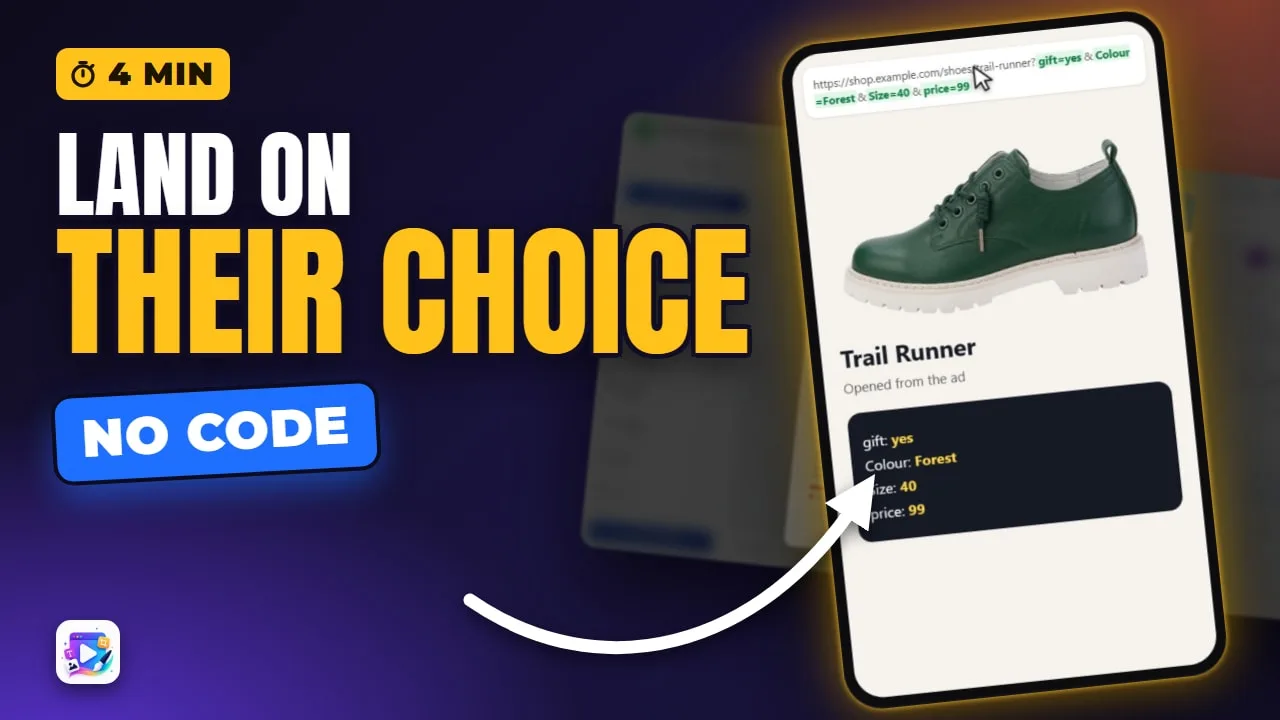
A deep link carries the choices a viewer makes in your playable ad - a colour, a size, a quiz match, anything a button records - into the page or app they land on. This tutorial exports a shoe configurator with a Web destination, maps every recorded choice onto the address, checks the example click, swaps in an AppsFlyer tracking link to see what the app receives, and plays the exported ad to watch the shop open on exactly the shoe that was built.
Playable Ads Maker - build playable ads and end cards, export to 13 ad networks.
Transcript
Build a shoe in the ad, tap Order, and the shop opens on that exact shoe - colour, size and gift box already picked.
That's the deep link: every choice made in the ad rides the click-through link. In the next few minutes you'll send those choices to a web page, and to an app's tracking link.
The Configurator and Quiz videos built the choices. This one sends them somewhere. There's one more way to record a choice: any button.
Read the full transcriptShow less
Its Events can Set Link Parameter: a name, equals, a value - gift equals yes. Set replaces the value, Add builds a list, and Toggle switches it on and off.
Now Export. Parameters travel on a web address, not on a bare store link - so switch the destination to Web, and paste the product page.
On Web, the export is one ad that opens your link, and it counts as one export - like a network.
Deep Link lists everything this ad records. Colour, size and price come from the configurator. Gift comes from the button.
A recorded choice goes nowhere until it's mapped. Map all turns each one into a parameter on the address.
And Example click shows the exact address the ad will open.
Sending people to an app? Paste your tracking link instead. AppsFlyer, Adjust, Branch, Singular and Kochava are recognised.
What the app receives shows what your app gets on first open. Pick the choice it opens on - the colour.
And in the exported ad: Midnight, size forty-two, a gift box, Order - and the shop opens on it.
Three mistakes to avoid. One: expecting a store link to carry them. The App Store and Google Play drop parameters - use a web page or a tracking link.
Two: some ad networks own the exit. Google, Meta, TikTok and Mintegral open the store themselves, so parameters never arrive through them.
Three: recording without mapping. A choice that isn't mapped in Deep Link never leaves the ad.
That's the deep link. See you in the next video!