In this video
- Adding Choice Chips, and why they need a variable
- Options: value=Label, or from a table
- Writes to: the variable a tap sets
- Show If Variable: objects that follow the choice
- Layouts: one row, wrap, auto fit
- Four forms: Pill, Tabs, Card, Tick - and the surface
- Unselected and selected colours
- Link Parameter: the pick in the click-through URL
- Three mistakes to avoid
About this video
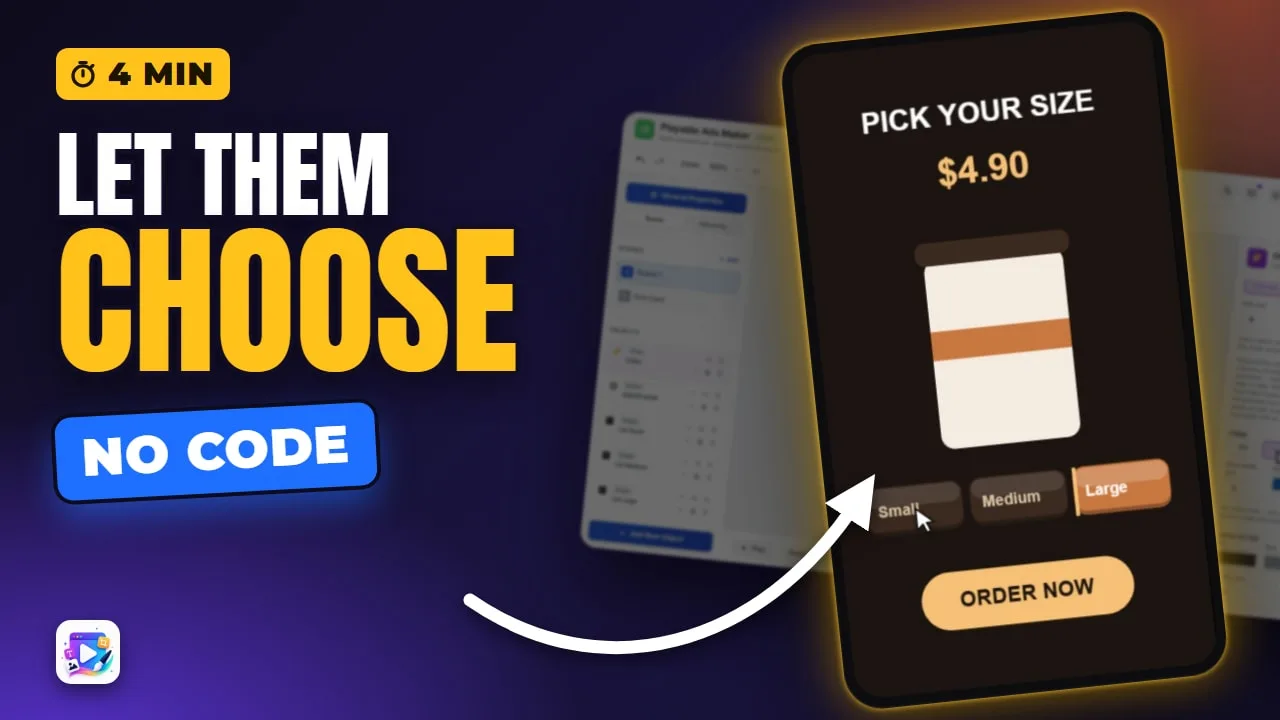
Choice Chips are a row of options a player taps to choose one - a size, a colour, a plan. Each tap writes the option's value to a variable, so any text can print it, any object can show only for it, and the Link Parameter field carries it into the click-through URL. This tutorial builds a coffee-size picker whose cup and price follow the chosen chip, and covers options, layouts, the four forms, colours and the mistakes that make chips look dead.
Playable Ads Maker - build playable ads and end cards, export to 13 ad networks.
Transcript
Tap a size. The cup changes, the price changes - and the choice goes with the click.
Those are choice chips. In the next few minutes: the options, the variable they write, the layouts and the four forms, and carrying the pick into your link.
Add New Object, Choice Chips. They arrive as Small, Medium and Large - and the panel warns you: without a variable, they draw but can't be chosen.
Read the full transcriptShow less
Options are typed in, separated by commas. Write value, equals, label, when what you show and what you record differ. S equals Small shows Small, and records S.
They can also come from a table - one column to show, one to write.
Writes to picks the variable. I made a text variable called size - the Variables video shows how. Now Medium is chosen, because size starts at M.
Each cup and each price has Show If Variable: size equals S, M or L. That's all the logic there is.
Layout: one row, wrap at a count per row, or auto fit, which wraps when a chip would get narrower than your minimum.
And four forms. Pill. Tabs. Card. And Tick. I'll keep Card, with a lit surface.
Colours come in two sets: unselected, and selected. Coffee brown for the chips, caramel for the chosen one, and a smaller corner.
Link Parameter records the pick for the click-through. Name it size, and a tap adds size equals S, M or L to your link - map it in the Deep Link settings.
Press Play.
Large. Small. Medium. Every tap writes the variable, and everything reading it follows.
Three mistakes to avoid. One: no variable. The chips draw, but nothing records the tap and nothing can look chosen.
Two: gating on the label. The variable holds the value - S, not Small. Show If size equals Small never shows.
Three: long labels. A chip never grows to fit its text; it cuts it short. Keep chips to a word or two.
That's choice chips. See you in the next video!