In this video
- The Background object - one per scene, locked
- Colour or image
- Uploading a photo, size and position
- Darken and blur so text reads
- Switching type keeps your picture
- Taller phones: full bleed, nothing cropped
- Three mistakes to avoid
About this video
Every scene of a playable ad has one Background: a flat colour or a photo. This tutorial covers picking each, making a busy photo readable behind text with darken and blur, and what the export does on phones taller than your design - it fits the design and lets the background fill the rest, so there are no bars and nothing is cut.
Playable Ads Maker - build playable ads and end cards, export to 13 ad networks.
Transcript
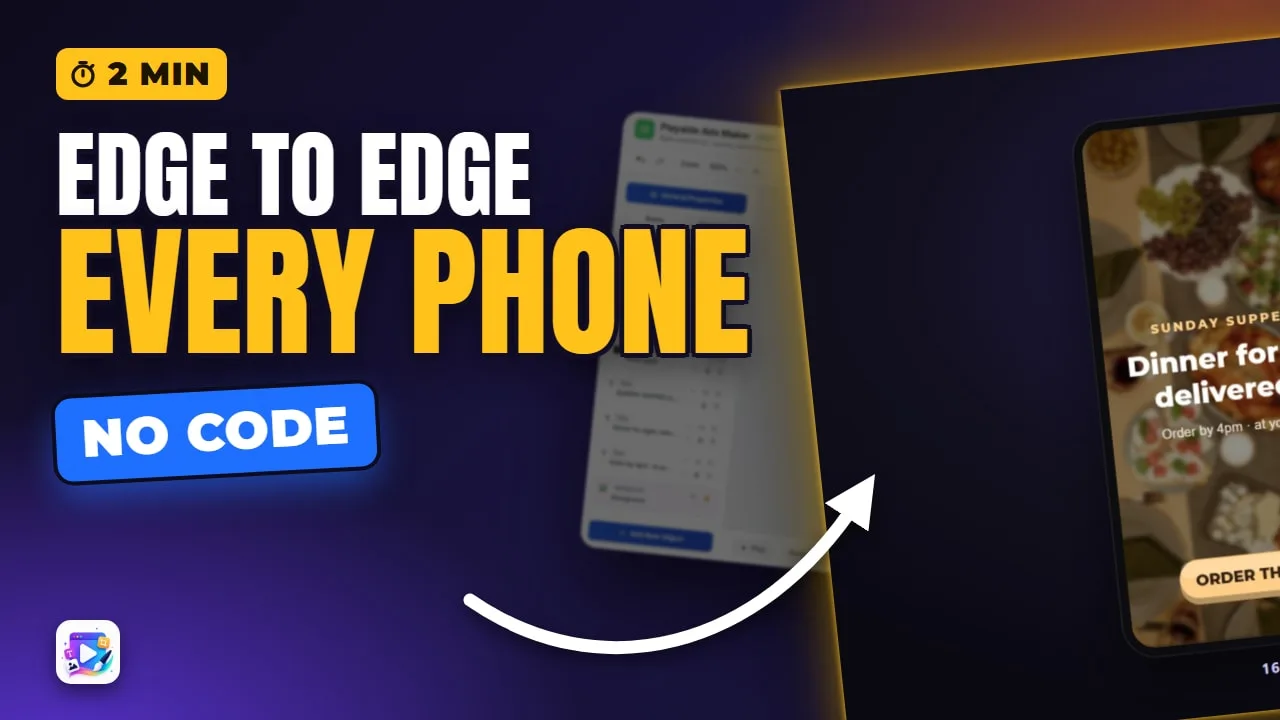
One ad, two phone shapes. The photo fills both, edge to edge, and nothing is cut off. That's the background's job.
That's the background. In the next few minutes: colour or image, darken and blur behind text, and what a taller phone does with it.
Every scene has one Background, at the bottom of the list, locked, so a stray click can't move it. Select it from the list.
Read the full transcriptShow less
Background Type. Color is one flat colour - pick it here.
Image uses a picture. Click to choose or upload, and it covers the whole screen.
Size and Position work like the Image object: Cover fills and crops, and Position picks what you keep. The Image video goes through each one.
Behind text, a busy photo needs help. Darken, about forty-five percent, and a little blur - and the headline reads.
Switch to Color, and the picture isn't thrown away. Switch back, and it's still there. Each orientation can have its own picture, too - that's the Orientation video.
Now the phone. Your design is sixteen by nine, and most phones are taller. The ad fits your design, and the background fills the rest, softly blurred - no bars, nothing cut.
And for more: a moving background is Parallax. A panel under text is a Glass shape. A video background lives in the video editor. Each one has its own video.
Three mistakes to avoid. One: text straight on a busy photo. Darken it, or put a glass panel under the words.
Two: the subject at the edge of the photo. Cover crops to fill, so keep what matters in the middle.
Three: a huge photo. It ships inside the ad - about a thousand pixels tall is plenty.
That's the background. See you in the next video!